
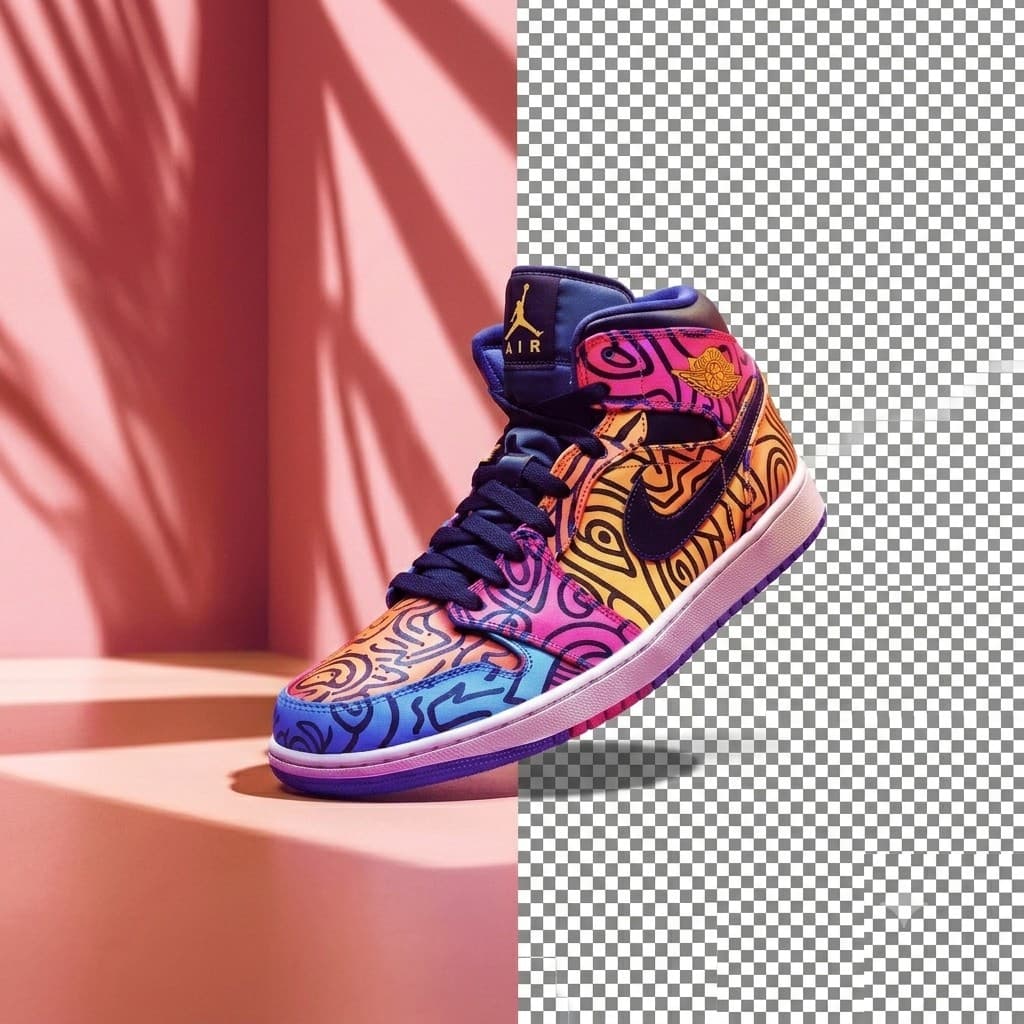
Remove Image Backgrounds Instantly
Looking to clean up your product images? Try our Free AI Background Remover to cut out subjects and create transparent PNG backdrops directly in your browser.
Open AI Background Remover Tool →
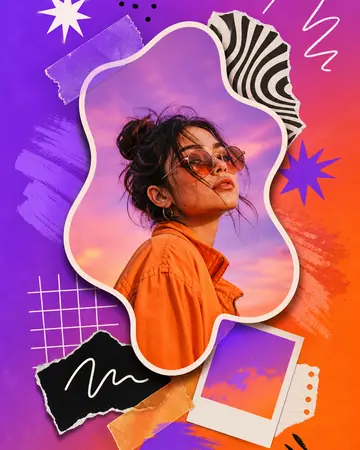





Design social posts, flyers, and graphics in your browser, then order custom print products like posters, cards, and apparel — templates, editing, and print in one place.
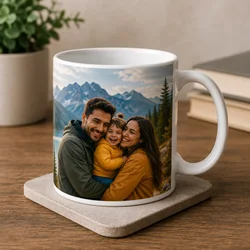
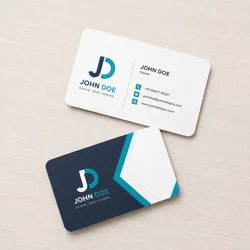
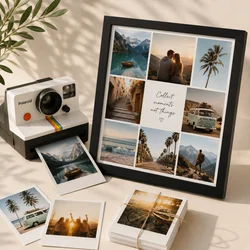
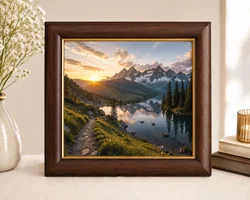
Design and order custom mugs, business cards, photo prints, frames, canvas, and more — edit in the browser, then send to print.
Open the design studio, shop custom print products, use free AI image tools like background remover and resizer, or compare pricing plans.
Online design editor
Crafing Studio helps creators and teams design faster with templates, layer editing, typography controls, and export-ready files — then continue into print or free tools when you need them.
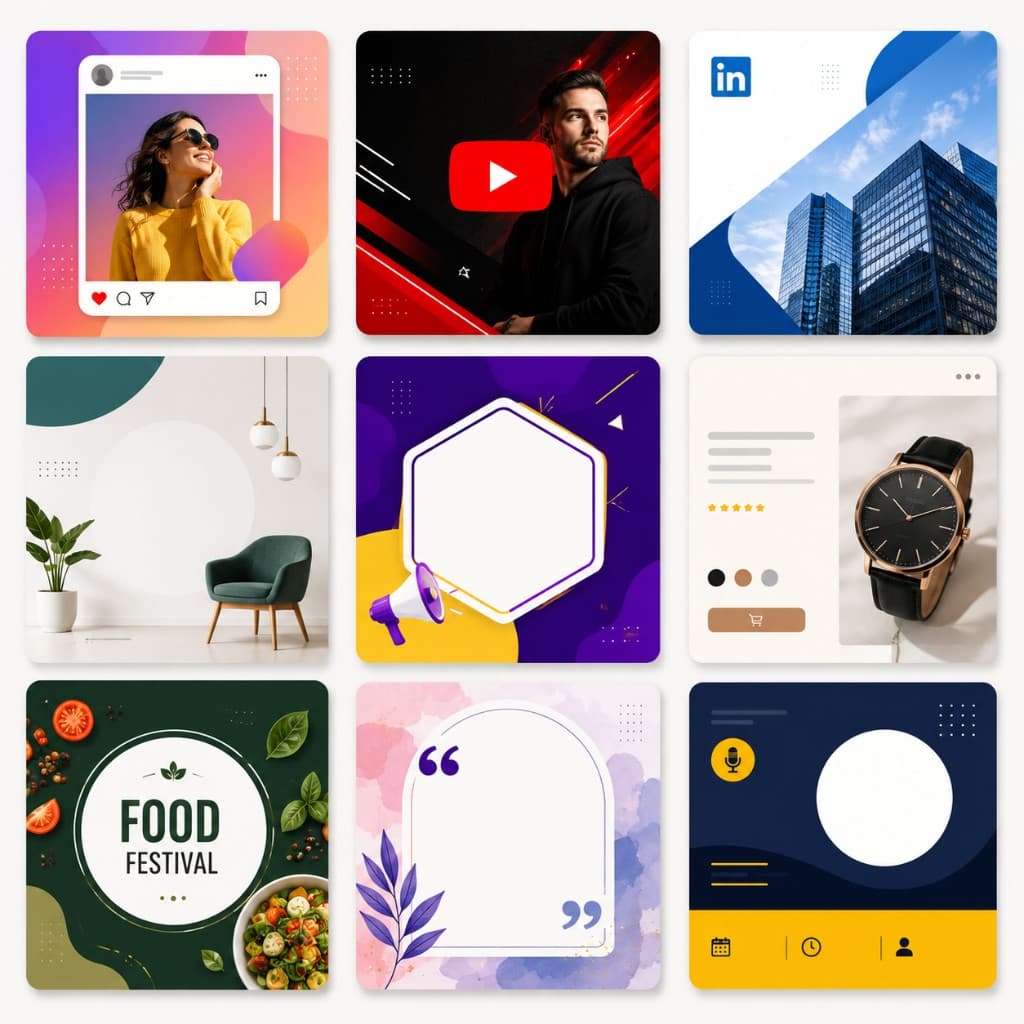
Start faster with pre-sized templates for Instagram posts, YouTube thumbnails, LinkedIn banners, presentations, flyers, and product pages. Pick a layout, add your brand assets, and publish professional marketing graphics in minutes.
Browse design templates →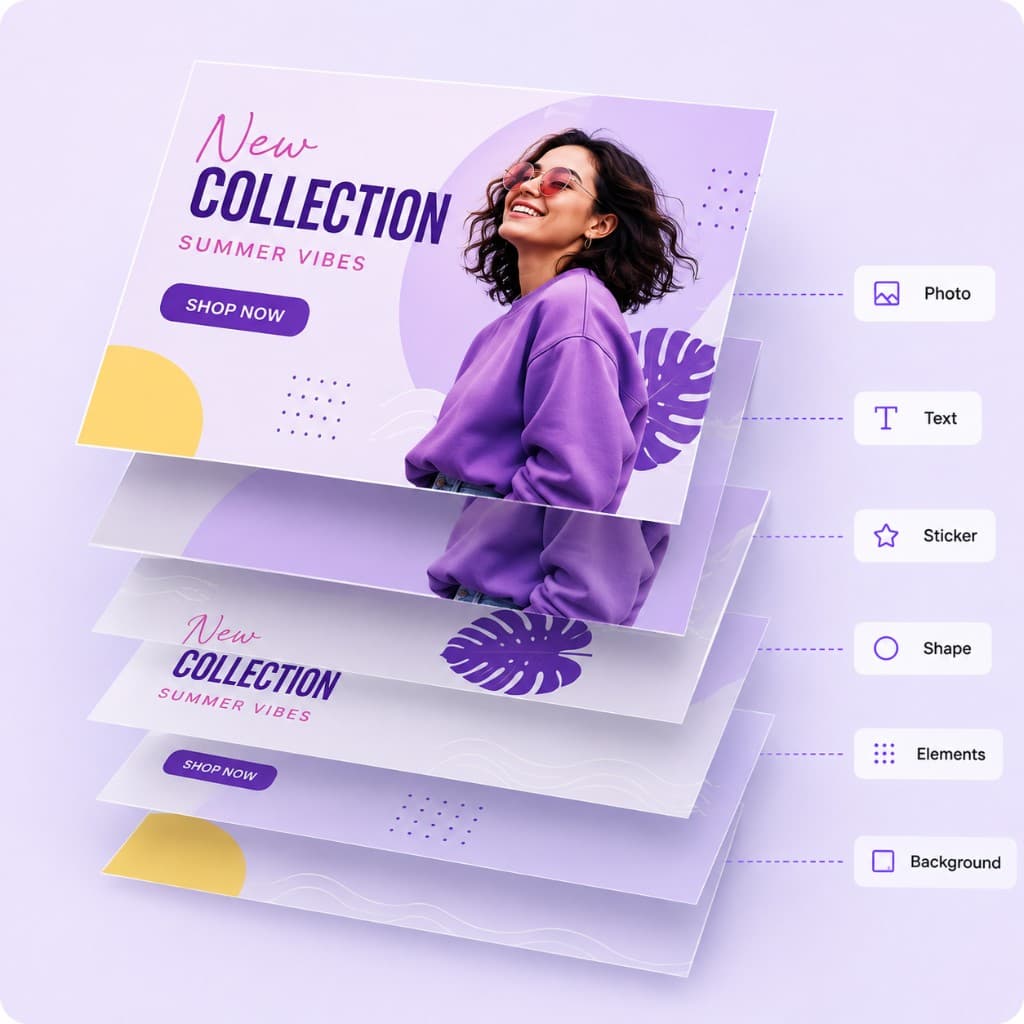
Build complex visuals with separate layers for photos, text, shapes, and stickers. Reorder, align, and refine every element without breaking your layout — ideal for ads, posters, and campaign creatives.
Open online editor →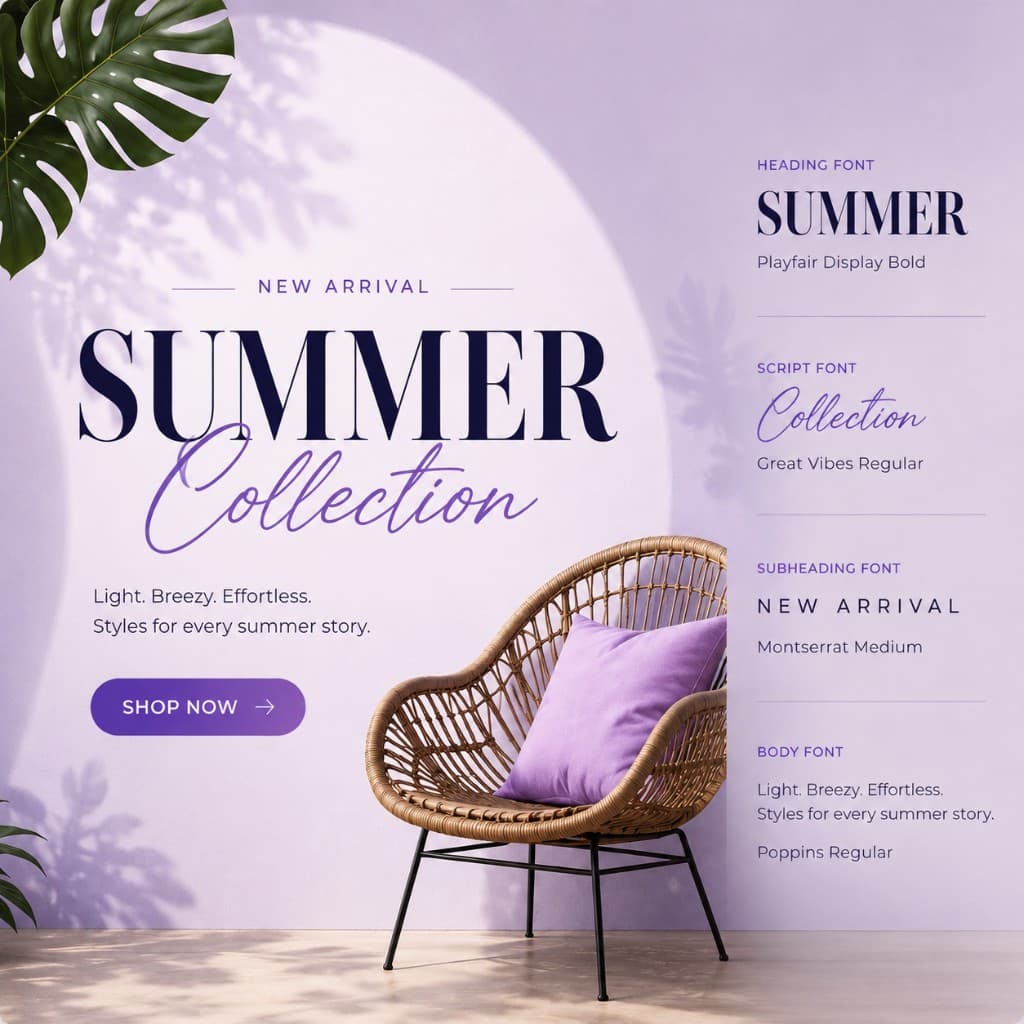
Add headlines, captions, and CTAs with flexible font controls. Adjust size, weight, spacing, and color so your message stays sharp on social feeds, landing pages, and print materials.
Create a design →
Download crisp PNG or JPG files optimized for social platforms, ads, and e-commerce listings. Move from design to production with print-ready output for mugs, tees, posters, and photo products.
Explore print options →Try our new Free AI Background Remover to clean up your product shots instantly — plus resize, crop, SVG, convert, watermark, and more. Every tool runs in your browser with no sign-in required.
Looking to clean up your product images? Try our Free AI Background Remover to cut out subjects and create transparent PNG backdrops directly in your browser.
Open AI Background Remover Tool →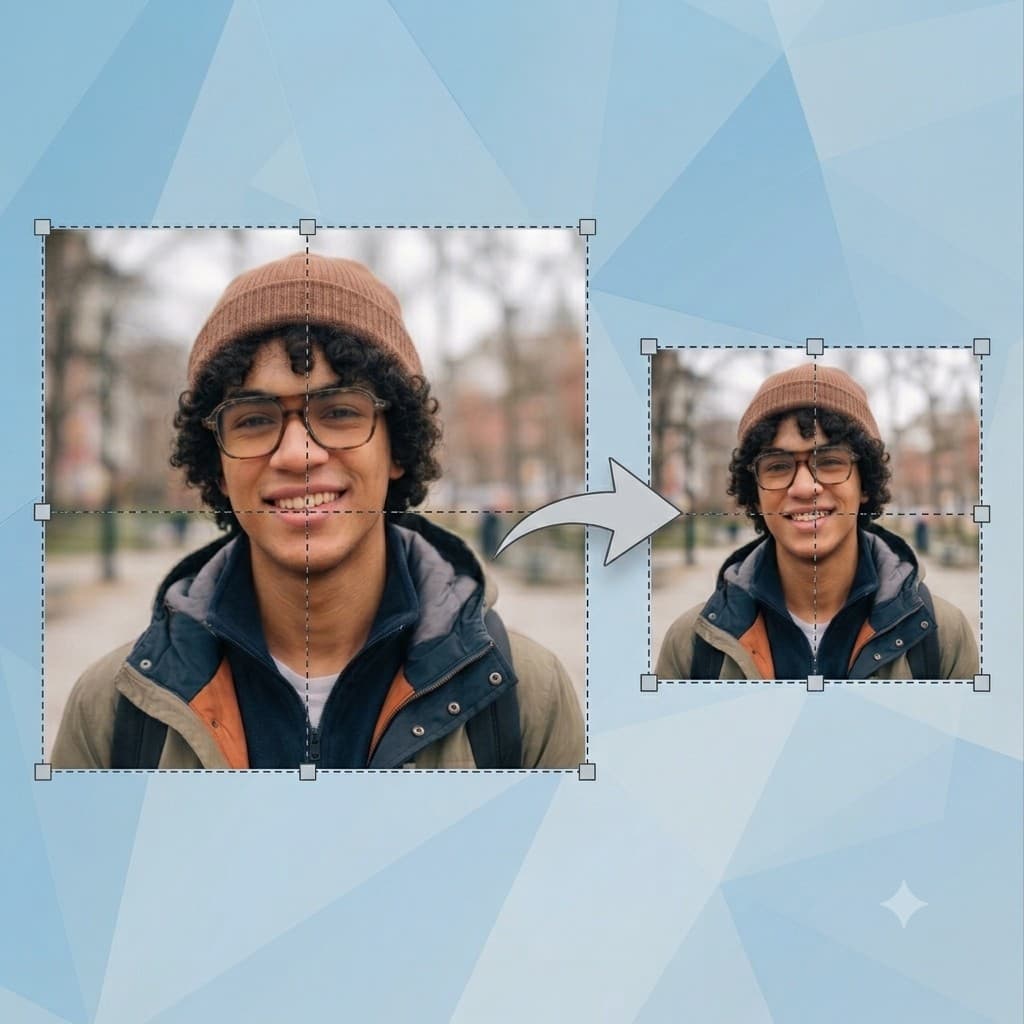
Need exact pixel sizes for social or web? Use our free online image resizer to scale by pixels or percent, lock aspect ratio, and export JPEG, WebP, or PNG.
Open Bulk Image Resizer →
Frame product shots and portraits with our free image cropper — pan, zoom, rotate, pick a ratio, and download PNG, JPEG, or WebP.
Open Online Image Crop Tool →
Build icons and shapes with our free SVG maker — pen, curves, and shapes in the browser, then download SVG or copy path data.
Open Vector SVG Maker & Editor →
Rasterize logos and vectors with our free SVG to PNG converter — set output width and download a transparent PNG for web or print mockups.
Open SVG to PNG Converter →
Switch between JPEG, PNG, and WebP with our free image converter — preview quality and download without signing in.
Open JPEG PNG WebP Converter →
Share iPhone photos anywhere with our free HEIC to JPG converter — upload HEIC/HEIF and download JPEG when your browser supports decoding.
Open HEIC to JPG Converter →
Protect photos with our free watermark tool — overlay text or a logo, tune opacity and position, then download PNG or JPEG.
Open Photo Watermark Tool →
Hide faces and private details with our free blur and pixelate tool — brush over areas and download a redacted image.
Open Blur & Pixelate Redactor →
Sample brand colors with our free image color picker — click any pixel and copy hex or RGB instantly.
Open Image Color Picker →
Create site icons with our free favicon generator — upload a logo and download multi-size .ico plus PNG favicons.
Open Favicon Generator →
Grade photos with our free photo effects tool — browse cinematic looks, compare before and after, and download a PNG.
Open Cinematic Photo Effects →